
Login on to the Newsletter website
To start your email campaign to the District, you will need to login to the Comms website.(Note this is not the normal Sutton Scouts Website).
Got to https://comms.suttonscouts.org.uk/wp-admin/ you will be redirected to the Microsoft 365 login, login with your normal email and password.
You should be presented with a screen that looks like this:
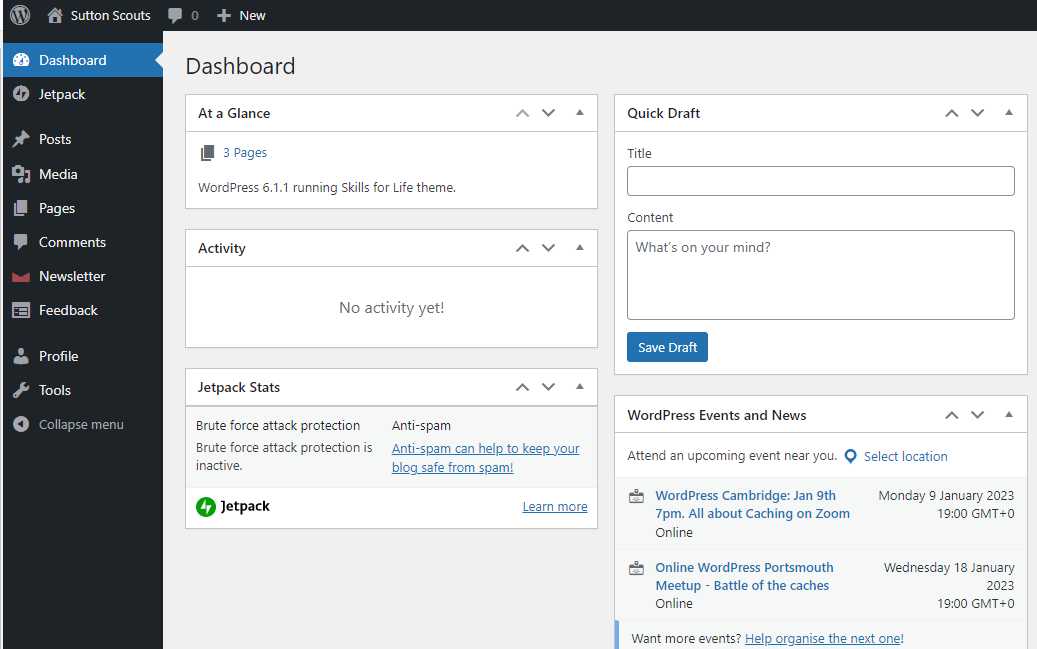
If you don't see the "Newsletter" link in the left menu, please the Sutton Scouts IT team for access.
Next article: Creating your email campaign